


VirtualDub Review
Overview
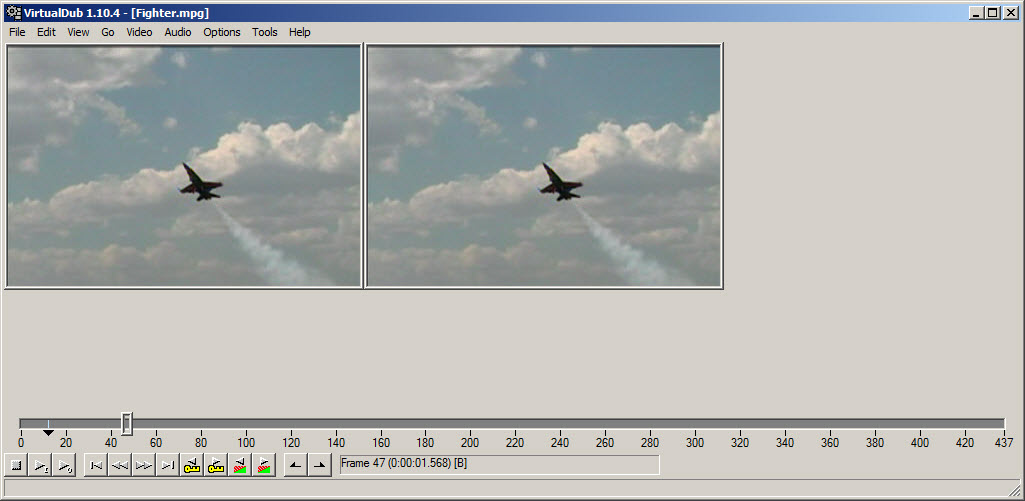
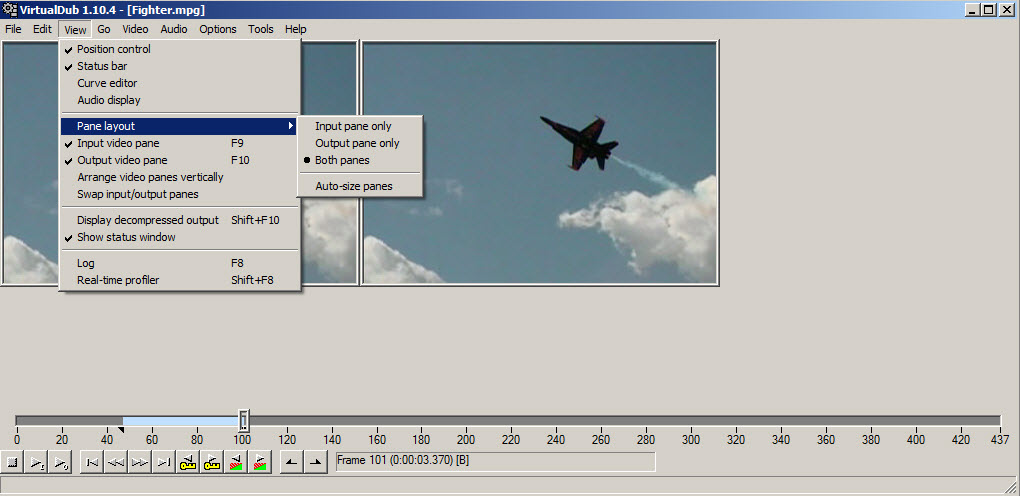
VirtualDub is a classic video editor with very basic features. It lacks at video formats and will work mainly with AVI and MPG files. You can preview the results in a second panel on the same screen.
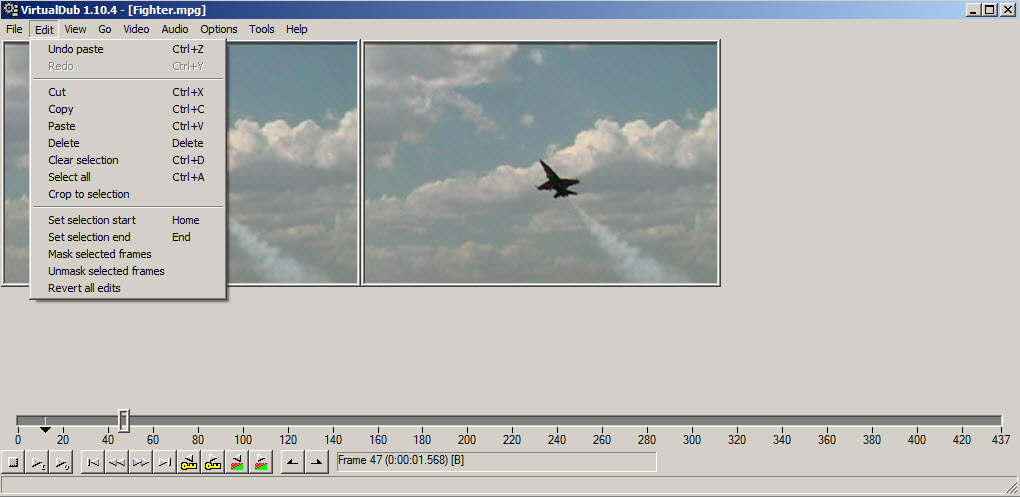
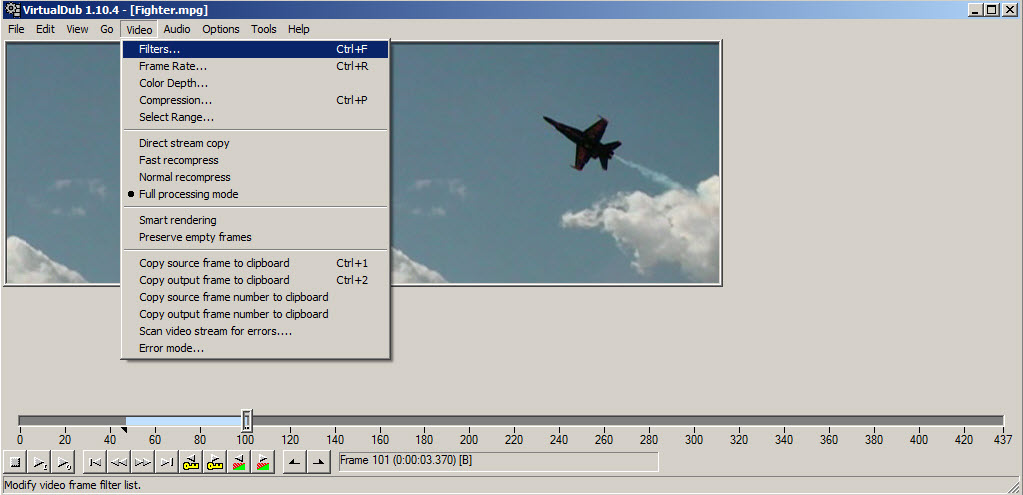
It has a simplistic interface and you can select portions of a video then apply filters, cut, copy or paste. You can change the frame rate and color depth.
Editing Features 6.50/10
Ar editing features cannot be compared with paid programs, but it has a good amount of options.
Compare Editing Features (higher is better choice)
* VirtualDub in not included in the above chart because is weaker than these competitors 


Ease of Use 4.25/10
The usability can be enhanced.
Compare Ease of Use (higher is better choice)
* VirtualDub in not included in the above chart because is weaker than these competitors 


Pro
- dual panel
Cons
- support a few formats
Conclusion 4.92/10
It offers the basic functions for video editing, is supporting only a few old and classic video formats such as AVI and MPG.
Images
COMPARE VirtualDub
- vs Adobe Premiere Elements
- vs CyberLink PowerDirector
- vs Corel VideoStudio
- vs Wondershare Video Editor
- vs Nero Video
- vs AVS Video Editor
- vs NCH VideoPad
- vs NCH VideoPad Free
- vs Windows Movie Maker
- vs Serif MoviePlus
- vs Magix Movie Edit
- vs Sony Movie Studio
- vs VSDC Free Video Editor
- vs Freemake Video Converter
- vs Avidemux
POPULAR TOPS
RECENT ARTICLES
- Top 3 Free Standing Pull Up Bars Reviews
- Best Cervical Tractions Devices Reviews
- Top Weight Lifting Belts Reviews
- Best Copy Machines for Small Businesses
- Best Lumbar Back Braces Reviews for Pain Relief
- Best Ankle Support Braces / Stabilizer Guard Reviews
- Best 3 Electronic Pulse Massagers Reviews
- Best Cheap Gaming Laptops Under 600 Dollars Reviews
- Best Snow Roof Rakes Reviews
- Best Punching Bags For Kids Reviews