


Nero Video Review
Overview
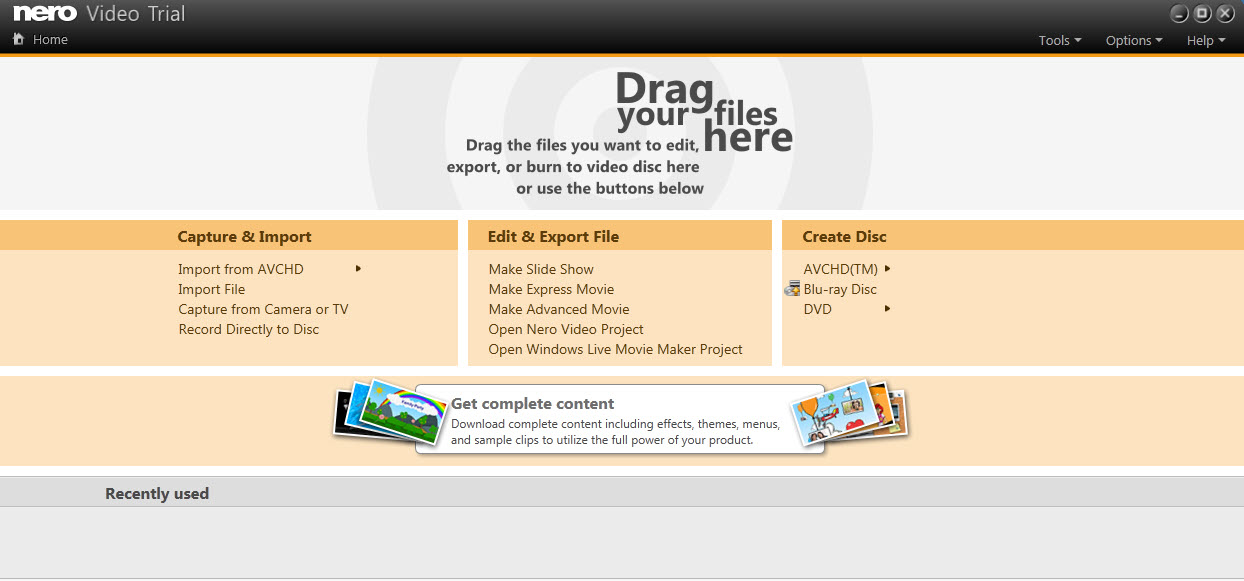
Nero is well known for the DVD burning software, but they have also a video editing software that comes with a really modern interface, although is not always very intuitive.
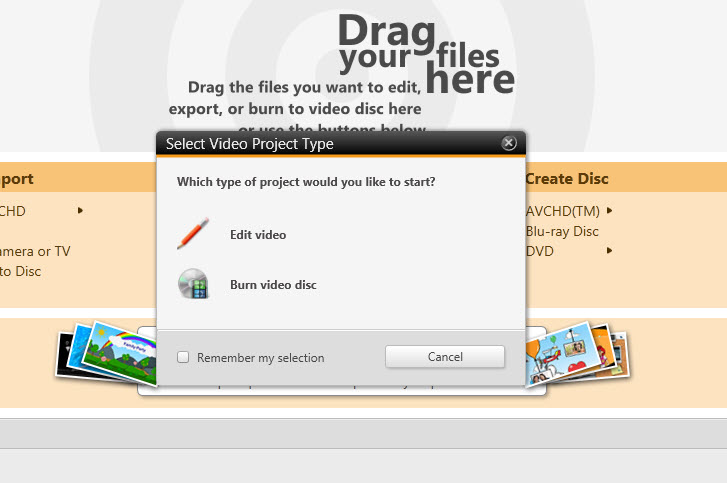
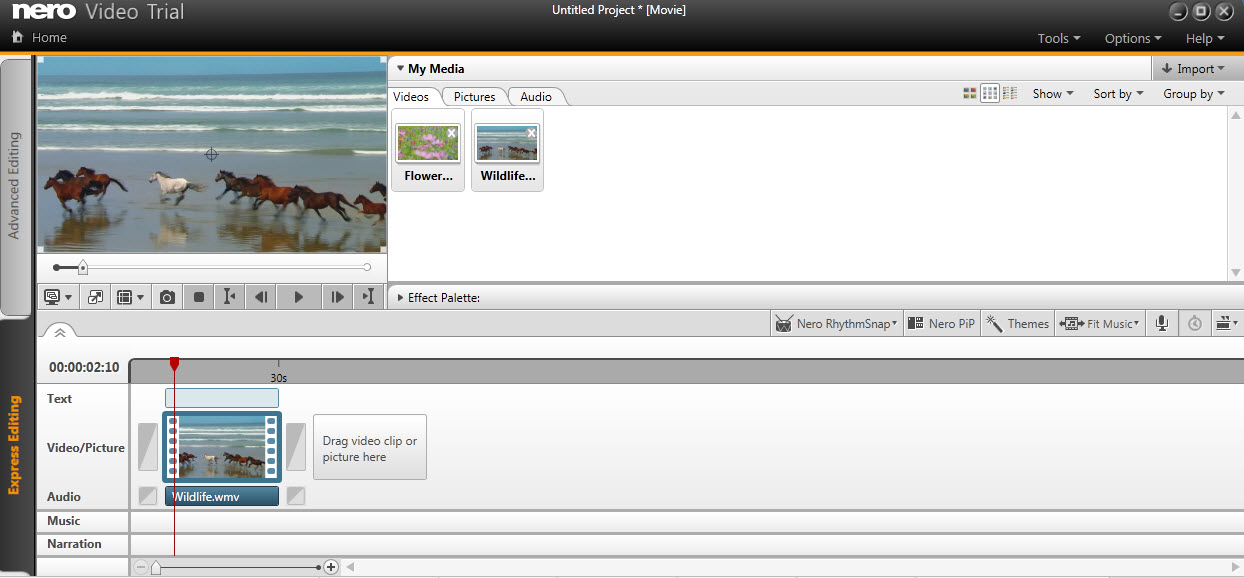
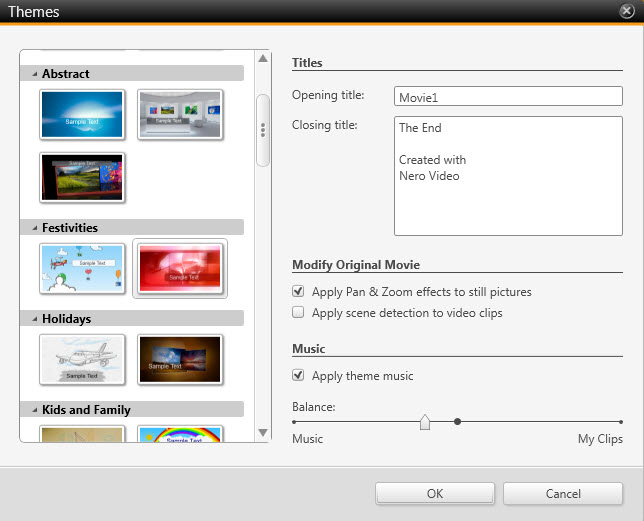
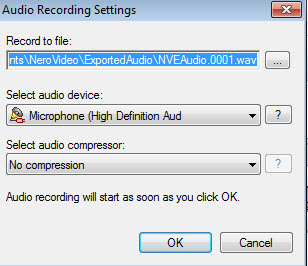
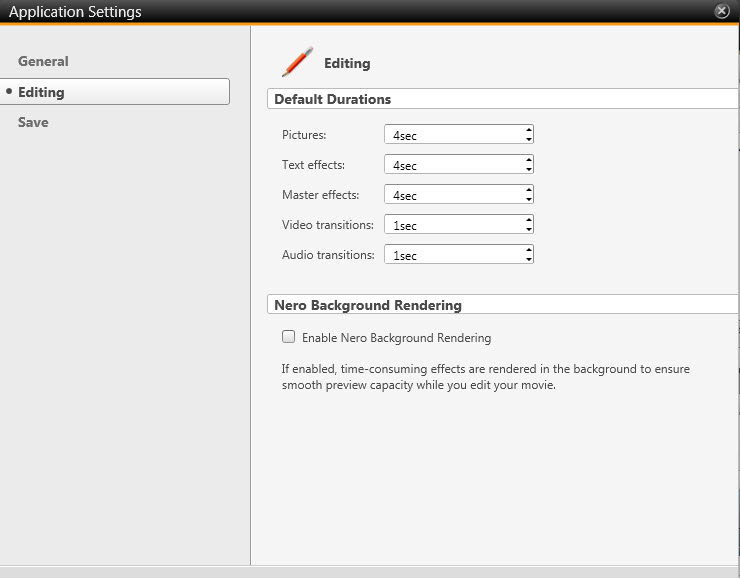
It support drag and drop to add multimedia files into the workspace (video, audio, pictures), you can import them directly from external devices such as digital cameras. The dashboard allows to select Easy or Advanced mode, the second option showing more options. Nero Video has an intuitive timeline where you can preview and select the exact time of a video to make edits. Applying effects, advanced operations and even to save the final video aren't very intuitive.
Editing Features 8.50/10
It doesn't have crop and add watermark.


Ease of Use 9.50/10
It is easy to use.


Pro
- clean and well designed interface
Cons
- the installation takes long time, will download additional Windows libraries
Conclusion 8.67/10
This editing software offers a high quality interface to work with your videos, to create DVD/Blu-ray and convert or burn them.
Images


- vs Adobe Premiere Elements
- vs CyberLink PowerDirector
- vs Corel VideoStudio
- vs Wondershare Video Editor
- vs AVS Video Editor
- vs NCH VideoPad
- vs NCH VideoPad Free
- vs Windows Movie Maker
- vs Serif MoviePlus
- vs Magix Movie Edit
- vs Sony Movie Studio
- vs VSDC Free Video Editor
- vs Freemake Video Converter
- vs VirtualDub
- vs Avidemux
- Top 3 Free Standing Pull Up Bars Reviews
- Best Cervical Tractions Devices Reviews
- Top Weight Lifting Belts Reviews
- Best Copy Machines for Small Businesses
- Best Lumbar Back Braces Reviews for Pain Relief
- Best Ankle Support Braces / Stabilizer Guard Reviews
- Best 3 Electronic Pulse Massagers Reviews
- Best Cheap Gaming Laptops Under 600 Dollars Reviews
- Best Snow Roof Rakes Reviews
- Best Punching Bags For Kids Reviews