


Torch Review
Overview
Torch is a browser based on Chromium, the same source code used by Google Chrome browser. So is not surprising that Torch looks similar with Google Chrome, but it has many differences and is focused especially on dealing with torrents and multimedia content (online games, videos, music).
Speed 5.51/10
When we talk about speed (opening time, loading web pages), Torch stays well, being in the top.


Memory Usage 1.98/10
Unfortunately, the program needs a lot of computer's RAM memory. These days, RAM memory is enough on all modern computers, it should not be an aspect to focus too much, unless you have an old computer or basic hardware configuration.

Security 10/10
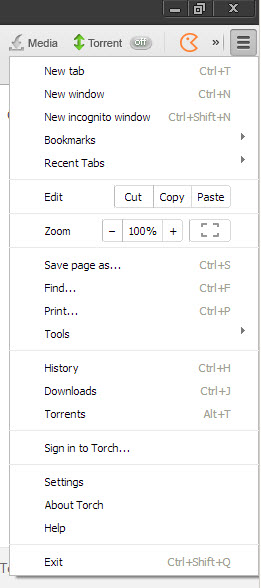
Includes a pop-up blocker and you can surf in incognito mode - browsing history (visited sites, cookies ..) will not be saved. Alternatively, Torch allows you to clear all history with a single click.
Features 9.09/10
Is a modern browser that comes with support for multiple tabs and allows drag&drop. There are available and can be installed all extensions and themes from Google marketplace (those available for Chrome).
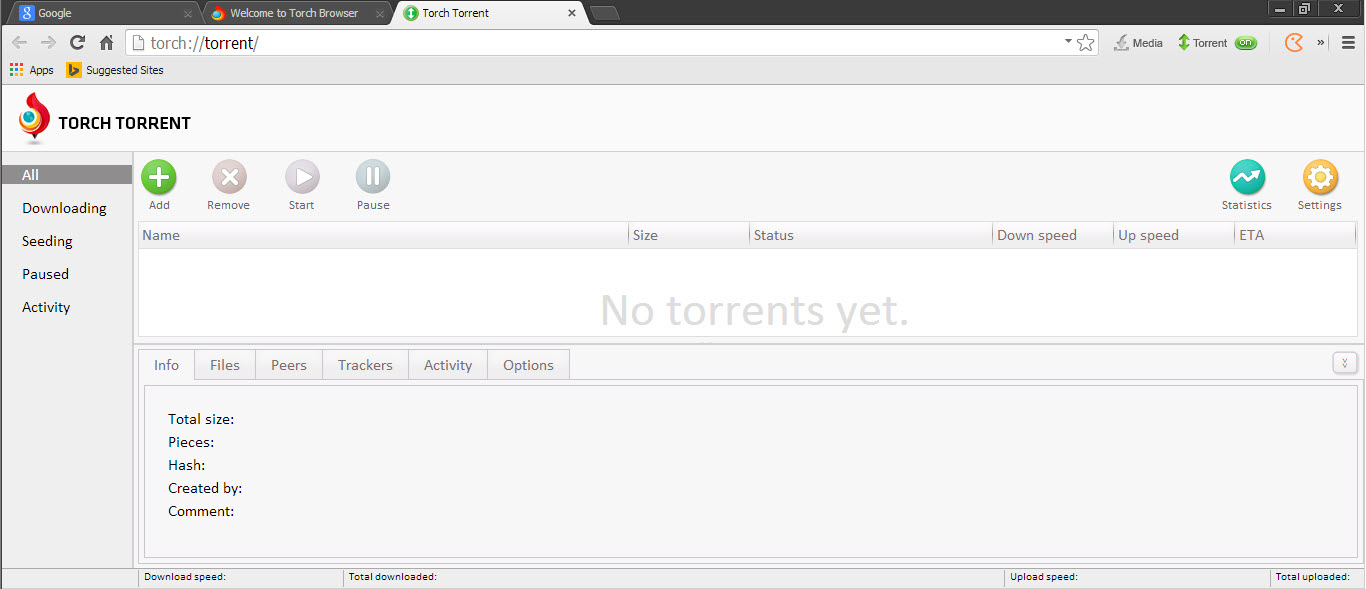
Torch includes support for torrent files and is able to detect and manage downloads through torrents. Also, includes links to Torch Games where you can play online games and to Torch Music where you can listen music for free.
It supports omnibox, you can change default search engine, autofill web forms, remember passwords and settings can be reverted to original state with a single click.
Help & Support 4/10
There are many articles about how to use it on developer's website, also a troubleshooter and tutorials (text and video).
Pro
- advanced download manager
- support for downloading torrents
Conclusion 6.60/10
This web browser is similar with Chrome, but it has extended features as download manager. Also includes links to a database with online games and music on Torch's website. This program is recommended if you download a lot of files, play online games and listen online music.
Images



- Top 3 Free Standing Pull Up Bars Reviews
- Best Cervical Tractions Devices Reviews
- Top Weight Lifting Belts Reviews
- Best Copy Machines for Small Businesses
- Best Lumbar Back Braces Reviews for Pain Relief
- Best Ankle Support Braces / Stabilizer Guard Reviews
- Best 3 Electronic Pulse Massagers Reviews
- Best Cheap Gaming Laptops Under 600 Dollars Reviews
- Best Snow Roof Rakes Reviews
- Best Punching Bags For Kids Reviews